

Maccess
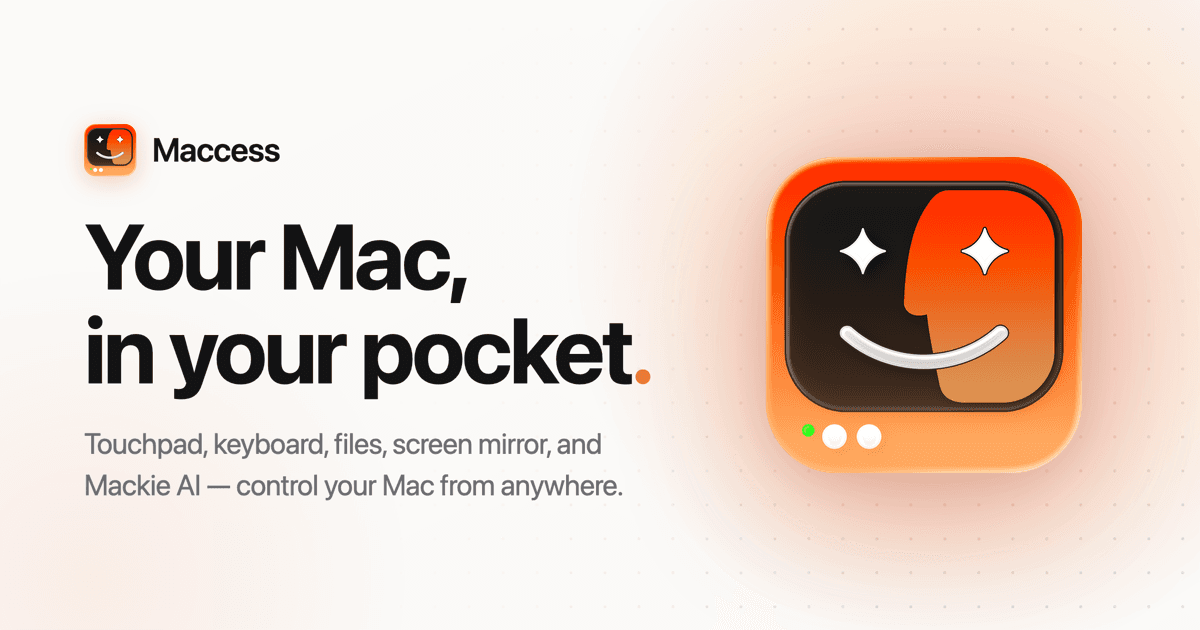
Control your Mac from iPhone with touchpad, keyboard, screen mirroring, files, and Mackie AI.
Recommended for
- Solo / Indie
- Idea-Stage
- Pre-Seed
- Seed
- Series A
SSIE
Stage Fit Recommendations
Following data shows why Maccess is recommended for listed teams. The Fit Score represents the percentage fit of Maccess to each company stages, as calculated by the SSIE.
Stage
Fit Score
Fit Reasons
Solo / Indie
$0–$2,000 MRR
73- Data encryption at rest and in transit
Idea-Stage
$0
89- Control Mac from iPhone with touchpad and keyboard
- Pair multiple Macs over Wi-Fi for remote access
Pre-Seed
$0–$10k MRR
89- Live screen mirroring with touch control
- Transfer files between iPhone and Mac
Seed
$10k–$100k MRR
89- Agentic AI assistant with voice and chat control
- Run AI models on Maccess Cloud or local Mac
Series A
$100k–$500k MRR
73- Execute terminal commands and automations
Description
Maccess is a productivity tool that allows users to control their Mac from an iPhone. It offers features like a precision touchpad, keyboard input, live screen mirroring, file transfer, and Mackie AI for voice commands. Users can pair their devices over Wi-Fi or use Online Access from anywhere. The app includes power vitals for managing Mac functions like locking, sleeping, restarting, and checking battery and storage. Maccess simplifies remote Mac control with intuitive gestures and voice assistance.

Explore similar products
save.design
Organize and reuse design inspiration in one searchable workspace

Moody
A smart macOS prompter that follows your voice for content creators and presenters.

Are.na
A platform for saving, organizing, and connecting ideas for creatives and researchers.

Albus
Albus AI is a cloud workspace that organizes and searches documents with semantic precision.

Droppy
A file tray, clipboard manager, revamped lock screen, music controls, and live activities for your Mac.

TinyFolder
Custom app folders for macOS Dock to organize and launch apps efficiently

Supaste
A clipboard history manager for Mac that saves and organizes copied content for easy reuse.

CursorClip
Native Mac screen recorder with auto-zoom for polished videos
Explore similar products
save.design
Organize and reuse design inspiration in one searchable workspace
Moody
A smart macOS prompter that follows your voice for content creators and presenters.
Are.na
A platform for saving, organizing, and connecting ideas for creatives and researchers.
Albus
Albus AI is a cloud workspace that organizes and searches documents with semantic precision.
Droppy
A file tray, clipboard manager, revamped lock screen, music controls, and live activities for your Mac.
TinyFolder
Custom app folders for macOS Dock to organize and launch apps efficiently
Supaste
A clipboard history manager for Mac that saves and organizes copied content for easy reuse.