

Supaste
A clipboard history manager for Mac that saves and organizes copied content for easy reuse.
Recommended for
- Solo / Indie
- Idea-Stage
- Pre-Seed
- Seed
SSIE
Stage Fit Recommendations
Following data shows why Supaste is recommended for listed teams. The Fit Score represents the percentage fit of Supaste to each company stages, as calculated by the SSIE.
Stage
Fit Score
Fit Reasons
Solo / Indie
$0–$2,000 MRR
68- Synchronizes clipboard history via iCloud
- Saves clipboard and screenshots in visual history
Idea-Stage
$0
84- Automatically groups clips by type, app, categories
- Recognizes text within screenshots and images (OCR)
Pre-Seed
$0–$10k MRR
84- Rewrites or summarizes text using Apple Intelligence
- Drag and drop clips from Notch Shelf
- Combine multiple clips into one card
Seed
$10k–$100k MRR
68- Create shortcuts to insert saved clips instantly
- Set reminders on any saved clip
- Create custom spaces for project organization
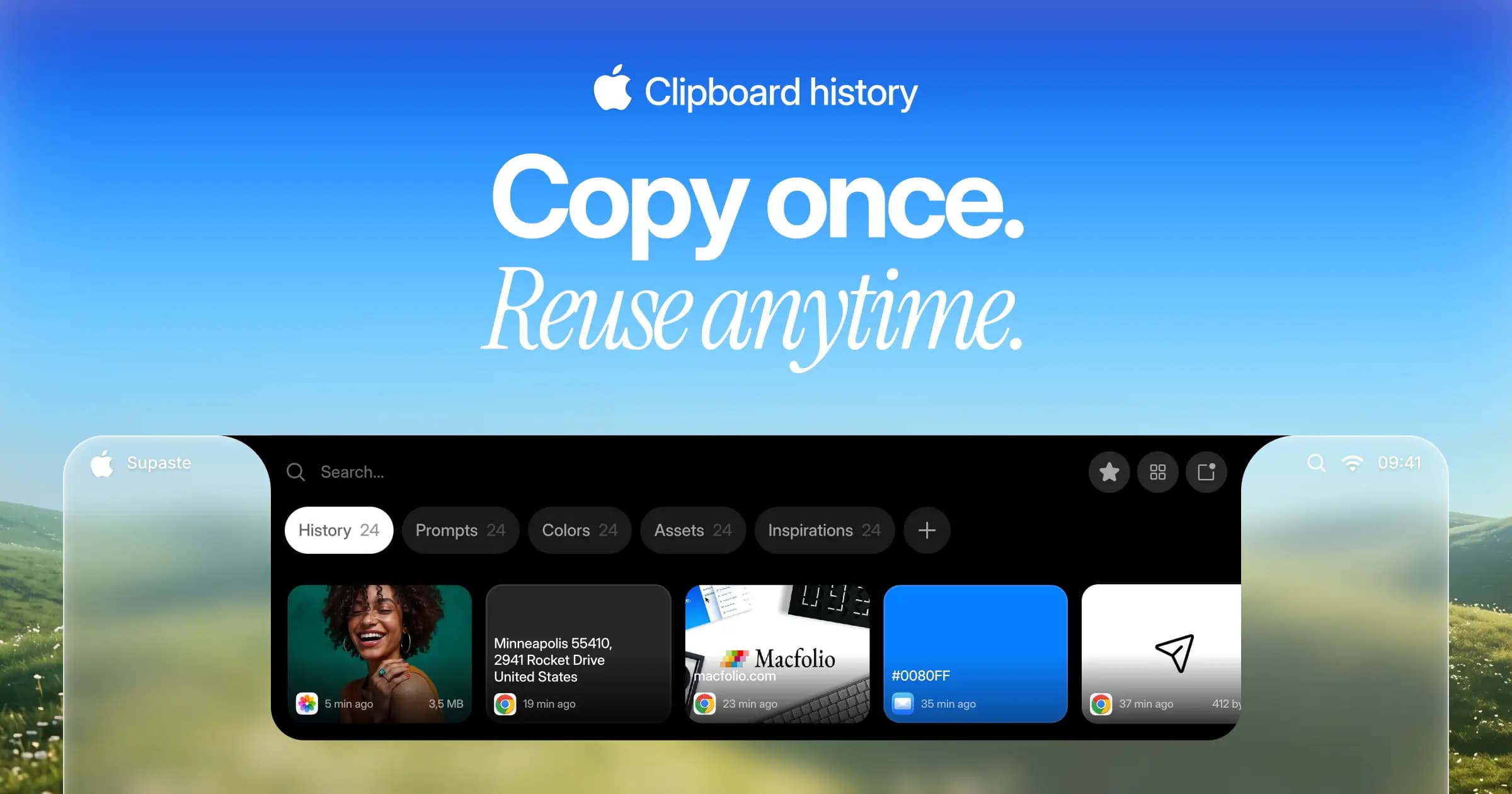
Supaste is a local-first clipboard and screenshot history app for Mac. It saves copied text, links, images, files, code, colors, and screenshots in a searchable timeline. The app automatically groups clips by type, app, and custom categories for quick retrieval. Features include iCloud sync, smart filters, OCR for screenshots, and Apple Intelligence integration for text summarization. Supaste offers a one-time purchase with offline and privacy-first functionality. It is compatible with macOS Sonoma 14.0 or later. The app provides multiple ways to access clipboard history, including a notch shelf, quick search, and drag-and-drop functionality.

Explore similar products

Are.na
A platform for saving, organizing, and connecting ideas for creatives and researchers.

Letterboxx
A dedicated Mac app for reading and organizing email newsletters outside your everyday inbox

NotePlus
Streamline productivity with NotePlus note-taking and task management

Albus
Albus AI is a cloud workspace that organizes and searches documents with semantic precision.

Otio
AI research workspace for organizing and chatting across hundreds of sources with page-level citations

mymind
A private place to save notes images quotes and highlights enhanced with AI

Slite
Self-maintaining AI knowledge base for teams

save.design
Organize and reuse design inspiration in one searchable workspace
Explore similar products
Are.na
A platform for saving, organizing, and connecting ideas for creatives and researchers.
Letterboxx
A dedicated Mac app for reading and organizing email newsletters outside your everyday inbox
NotePlus
Streamline productivity with NotePlus note-taking and task management
Albus
Albus AI is a cloud workspace that organizes and searches documents with semantic precision.
Otio
AI research workspace for organizing and chatting across hundreds of sources with page-level citations
mymind
A private place to save notes images quotes and highlights enhanced with AI
Slite
Self-maintaining AI knowledge base for teams