

Screen Bolt
Professional screen recordings with macOS editing tools for creators
Recommended for
- Solo / Indie
- Pre-Seed
SSIE
Stage Fit Recommendations
Following data shows why Screen Bolt is recommended for listed teams. The Fit Score represents the percentage fit of Screen Bolt to each company stages, as calculated by the SSIE.
Stage
Fit Reasons
Solo / Indie
$0–$2,000 MRR
- Free plan available
- Individual-targeted plan
Pre-Seed
$0–$10k MRR
- Self-serve free tier
- Simple plan structure
Description
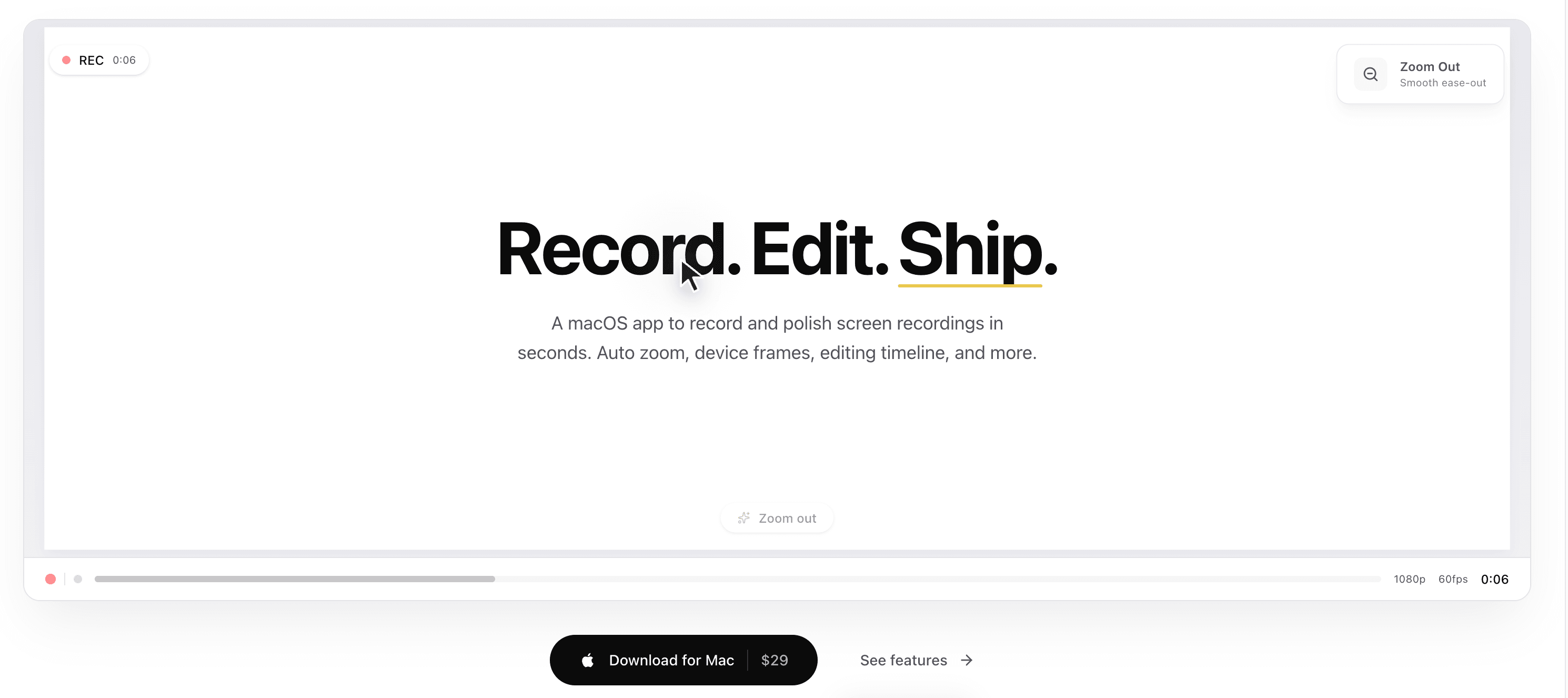
Screen Bolt is a macOS-native design-and-creative app that transforms screen recordings into polished assets with an intuitive editing timeline, automatic zoom effects, and device frames. Creators, marketers, and educators use it to capture high-resolution screen activity and refine clips in seconds without complex software. The free trial eliminates risk while showcasing features like frame overlays, zoom presets, and timeline-based trimming. Screen recordings export in multiple formats optimized for sharing across platforms. Unlike generic screen capture tools, Screen Bolt integrates editing directly into the recording workflow for faster, more professional results.

Pricing
Explore similar products

ScreenBuddy
Polished screen recordings for Windows. Also on Mac.

Riverside
AI-powered platform for recording, editing, repurposing, and distributing studio-quality podcasts and videos

Clueso
Clueso turns rough screen recordings into polished videos and guides with AI automation

Snapr
Snapr: Your paid solution for seamless screen-recording and video-editing productivity.

Motion.software
Modern screen recorder for Windows

Cap
Open source screen recorder for Mac, Windows, and Linux with instant and studio recording modes, editing tools, and

SpriteFrame
Turn character images & frames into game-ready sprite sheets

ZombieTrend
Turn two photos into a 15-second AI zombie hug video — couples, friends, or pets.
Explore similar products
ScreenBuddy
Polished screen recordings for Windows. Also on Mac.
Riverside
AI-powered platform for recording, editing, repurposing, and distributing studio-quality podcasts and videos
Clueso
Clueso turns rough screen recordings into polished videos and guides with AI automation
Snapr
Snapr: Your paid solution for seamless screen-recording and video-editing productivity.
Motion.software
Modern screen recorder for Windows
Cap
Open source screen recorder for Mac, Windows, and Linux with instant and studio recording modes, editing tools, and
SpriteFrame
Turn character images & frames into game-ready sprite sheets