

ScreenBuddy
Polished screen recordings for Windows. Also on Mac.
Recommended for
- Solo / Indie
- Idea-Stage
- Pre-Seed
SSIE
Stage Fit Recommendations
Following data shows why ScreenBuddy is recommended for listed teams. The Fit Score represents the percentage fit of ScreenBuddy to each company stages, as calculated by the SSIE.
Stage
Fit Score
Fit Reasons
Solo / Indie
$0–$2,000 MRR
88- Data encryption at rest and in transit
- Free plan available (Free download), no purchase required to start
- Records display, window, or area with mic, system audio, and webcam
Idea-Stage
$0
93- Data deletion and right to erasure
- Edits with auto-zoom, cursor effects, backgrounds, and 3D camera controls
- Exports MP4 up to 4K and animated GIF
Pre-Seed
$0–$10k MRR
77- Data export and portability
- Generates shareable links with 2 GB storage
- Saves frames as PNG and exports captions as SRT or VTT
Description
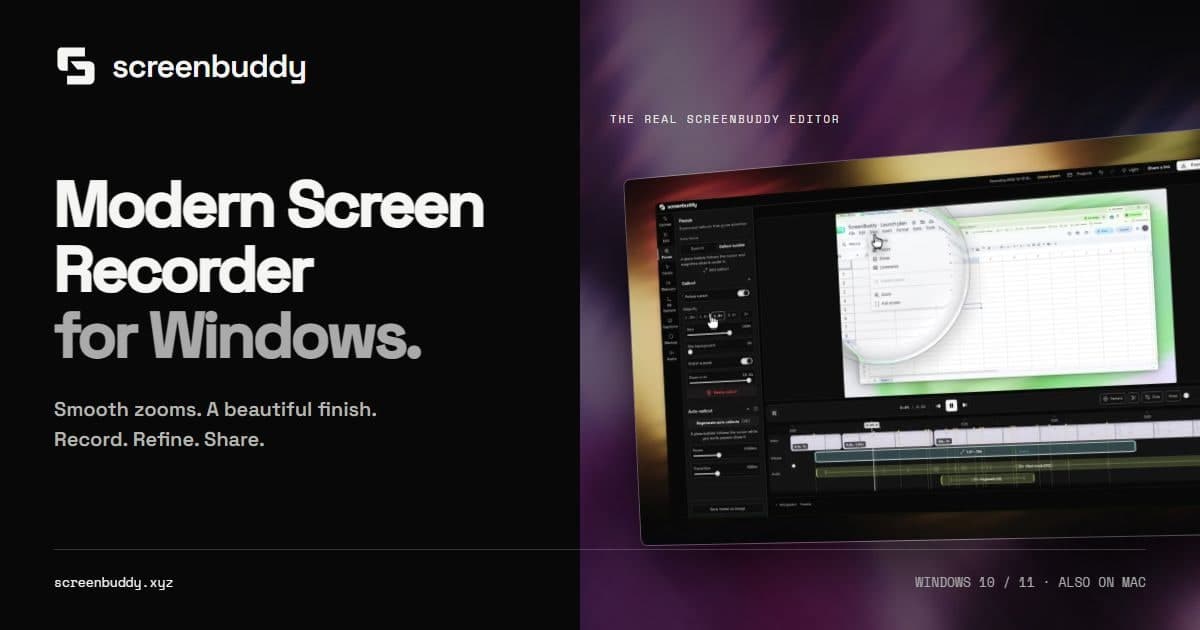
ScreenBuddy is a screen recorder and video editor for Windows 10/11 (64-bit), also available for Apple silicon Macs running macOS 12 or later. It helps software founders, educators, marketers and support teams create product demos, tutorials and walkthroughs. Record a display, window or selected area with optional microphone, supported system audio and webcam. Edit automatic zoom, callout bubbles, cursor effects, backgrounds, trim and speed controls, pen markup, blur and solid covers, local captions, and 3D camera moves. Export MP4 or GIF locally, keep editing while rendering, or publish a finished video through an unlisted shareable link. Audio availability and optional enhancements depend on the platform and capture source. Record and edit free. Exports and shareable links require a subscription: USD $10/month or USD $60/year ($5/month billed annually). Updates are included while subscribed. Capture, editing, captions and local export process media on your device; sharing uploads only the finished video you choose. Sign-in, subscription verification, updates and optional model downloads use the internet.

Pricing
Explore similar products

Riverside
AI-powered platform for recording, editing, repurposing, and distributing studio-quality podcasts and videos

Clueso
Clueso turns rough screen recordings into polished videos and guides with AI automation

Screen Bolt
Professional screen recordings with macOS editing tools for creators

Snapr
Snapr: Your paid solution for seamless screen-recording and video-editing productivity.

Motion.software
Modern screen recorder for Windows

Cap
Open source screen recorder for Mac, Windows, and Linux with instant and studio recording modes, editing tools, and

SpriteFrame
Turn character images & frames into game-ready sprite sheets

Tight Studio
Free Mac screen recorder for product demos and user tutorials
Explore similar products
Riverside
AI-powered platform for recording, editing, repurposing, and distributing studio-quality podcasts and videos
Clueso
Clueso turns rough screen recordings into polished videos and guides with AI automation
Screen Bolt
Professional screen recordings with macOS editing tools for creators
Snapr
Snapr: Your paid solution for seamless screen-recording and video-editing productivity.
Motion.software
Modern screen recorder for Windows
Cap
Open source screen recorder for Mac, Windows, and Linux with instant and studio recording modes, editing tools, and
SpriteFrame
Turn character images & frames into game-ready sprite sheets